
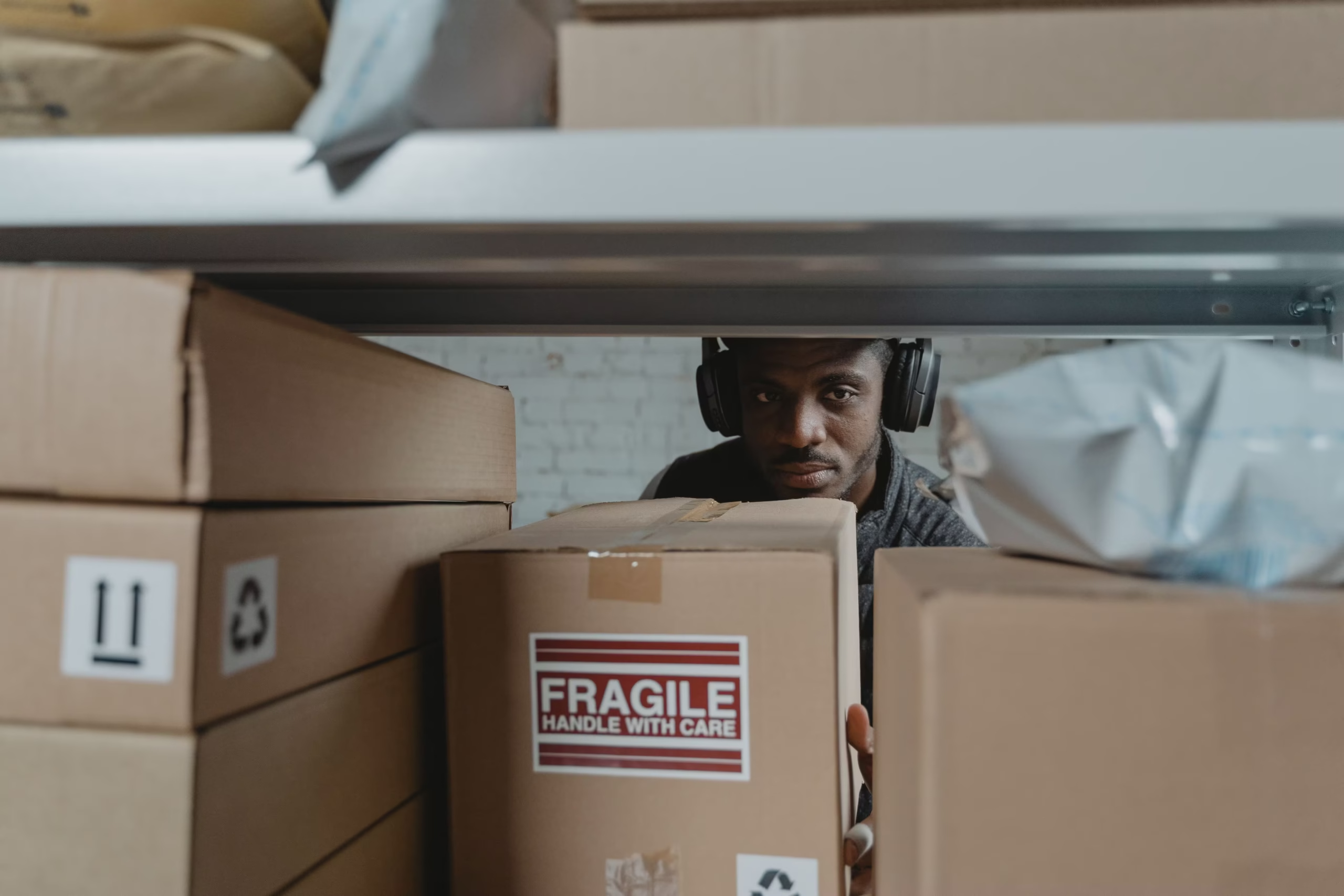
When relocating to a new apartment or villa, your electronics represent some of the most expensive and physically fragile investments in your home. A solid oak dining table might survive a bump against a doorframe, but a 65-inch OLED television or a high-end desktop computer will not survive the same impact.
Modern electronics are incredibly sensitive to three specific transit threats: physical impact, static electricity, and extreme temperature fluctuations. A single heavy jolt from a moving truck hitting a speed bump on a UAE highway can snap a computer’s internal graphics card right off its motherboard. A poorly wrapped television screen can easily crack under the pressure of a shifting box, transforming a 5,000-dirham entertainment centerpiece into worthless electronic waste.
Figuring out exactly how to pack electronics for moving requires a different approach than packing clothes or kitchenware. It demands specialized materials, careful cable management, and a strict adherence to the laws of physics. Whether you are hiring a professional Abu Dhabi moving company or managing a DIY relocation, we have built the definitive, step-by-step guide to securing your televisions, computers, and digital accessories for a flawless, damage-free move.
The Golden Rule: Back Up Your Data First
Before a single wire is unplugged, you must secure your digital life. Physical hardware can be replaced by transit insurance, but years of family photographs, tax documents, and business files cannot be recovered once a hard drive shatters.
At least 24 hours before your move, execute a comprehensive backup of your desktop computer, laptops, and any external storage drives. Use a secure cloud service (like Google Drive, iCloud, or OneDrive) to sync your most critical folders. For massive file libraries, purchase a heavy-duty external Solid State Drive (SSD), transfer a physical copy of your data onto it, and carry that hard drive with you in your personal backpack on moving day. Never put your primary backup drive in the back of the moving truck.
The Essential Electronics Packing Arsenal
You cannot pack delicate circuitry and glass screens using old newspaper and recycled grocery boxes. To pack electronics like a professional, acquire the following materials:
- Anti-Static Bubble Wrap (The Pink Kind): Standard, clear bubble wrap generates friction and static electricity when it moves. Wrapping a computer tower in clear plastic can actually fry the motherboard via static shock. Always use pink, anti-static bubble wrap for internal computer components and exposed circuitry.
- Corrugated Telescopic TV Boxes: If you threw away the original retail box for your television, you must purchase a heavy-duty, two-piece telescopic TV moving box. These slide together to perfectly fit the exact dimensions of your screen.
- Screen Protection Foam: Thin foam sheeting (polyethylene foam) is crucial for covering glass screens. It prevents abrasive scratches that occur when cardboard rubs directly against a monitor.
- Zip Ties and Label Stickers: Essential for preventing the dreaded “spaghetti box” of tangled, unidentifiable cables.
Step-by-Step: Packing a Flat-Screen Television
Televisions are highly susceptible to pressure and torque. Here is how to pack them to survive the journey:
Step 1: Document and Disconnect Before unplugging anything, take a clear photo of the back of the TV showing exactly where the HDMI, optical, and power cables are connected. This saves you 20 minutes of confusing trial-and-error when setting up in your new home. Remove all cables and store them in a Ziploc bag labeled “Living Room TV.”
Step 2: Remove the Base or Wall Mount Never transport a TV with the heavy metal base or wall mount attached. The vibrations of the truck will put immense stress on the mounting screws, often cracking the plastic casing of the TV. Unscrew the mount, place the screws in a sealed baggy, and tape the baggy directly to the metal mount.
Step 3: Protect the Glass Screen Cut a piece of soft polyethylene foam sheeting to the exact size of the screen and tape it gently around the edges using painter’s tape (never use heavy packing tape, which leaves adhesive residue on the screen bezel). Do not wrap a television tightly in plastic stretch wrap, as it can trap moisture and warp the delicate screen layers.
Step 4: Box and Transport Upright Slide the TV into the padded telescopic cardboard box. Fill any empty gaps with anti-static packing peanuts so the television cannot shift side-to-side. Crucial Warning: Never lay a flat-screen TV down flat during transit. The glass is not designed to support its own weight horizontally. Every bump in the road forces the screen to bounce, which will shatter the glass from the inside out. Always load the TV box into the truck perfectly upright.
Step-by-Step: Packing a Desktop Computer and Monitors
Desktop computers require specialized internal care, as heavy components can literally rip themselves apart during a bumpy ride.
Step 1: Remove the Heavy Internals If you own a high-end gaming PC or a heavy workstation, you must open the side panel and physically remove the Graphics Processing Unit (GPU) and any massive, heavy-metal CPU air coolers. These parts are incredibly heavy and are only held in place by small plastic slots. A single pothole can cause a heavy GPU to snap the motherboard in half. Place the GPU inside an anti-static bag and pack it in a separate, heavily padded box.
Step 2: Fill the Void For the components remaining inside the computer case, fill the empty air space with anti-static packing peanuts or specialized expanding foam packets. This prevents internal wires from violently shaking.
Step 3: Protect the Computer Monitors Computer monitors should be treated exactly like televisions. Remove the heavy desk stands, cover the screens in soft foam, and pack them upright in monitor-specific boxes.
Taming the Cable Chaos
Nothing is more frustrating than unpacking at your new home and realizing you have a single box containing forty identical black power cables, HDMI cords, and USB chargers, with no idea what belongs to which device.
To prevent this, use the “Coil and Bag” method. Once you disconnect a device, neatly coil its specific power cord and display cables together. Use a zip tie or a piece of Velcro to keep the coil tight. Place that specific bundle into a Ziploc bag, take a permanent marker, and write exactly what it belongs to (e.g., “Primary Office PC Cables” or “Bedroom PlayStation 5”). Pack all these labeled bags into a single, clearly marked “Electronics Accessories” box.
Defeating the UAE Climate: Heat and Humidity
If you are relocating within cities like Abu Dhabi or Dubai during the blistering summer months, climate control is a massive factor when packing electronics.
The back of an un-airconditioned commercial moving truck can easily exceed 60°C (140°F) in July or August. Prolonged exposure to this extreme heat can melt internal soldering, warp plastic computer chassis, and permanently destroy lithium-ion batteries found in laptops, tablets, and wireless speakers.
When executing a summer move, prioritize your high-value electronics. Keep your laptops, tablets, external hard drives, and gaming consoles out of the commercial moving truck entirely. Pack them securely in padded bags and transport them in the air-conditioned cabin of your own personal vehicle. For larger items like televisions that must go in the truck, instruct your movers to load them last and unload them first, minimizing the total minutes they spend baking in the heat.
Frequently Asked Questions (FAQ)
Common Electronics Moving Queries
Is it safe to move a desktop computer with a water-cooling system?
If your PC utilizes an “All-In-One” (AIO) closed-loop liquid cooler, it is generally safe to move as long as the radiator is firmly screwed to the chassis. However, if you have a custom-built open-loop water cooling system, you absolutely must drain all the coolant liquid from the reservoir and tubes before moving. Transporting a full custom water loop guarantees a catastrophic leak that will destroy the entire computer.
Can I use blankets and towels to pack my monitors?
While blankets provide decent physical shock absorption, they generate massive amounts of static electricity when they rub against plastic and circuit boards. It is highly recommended to use proper anti-static foam and bubble wrap as the first layer of defense, and only use blankets on the outside of the cardboard box.
Do moving companies insure internal computer damage?
Standard moving insurance usually only covers external, visible physical damage (like a dented computer case or a shattered screen). If the outside of the computer box is perfectly intact, but the PC refuses to turn on when you plug it in, moving companies will generally not accept liability, claiming it was an internal mechanical failure. This is why removing heavy internal components yourself is so critical.
Relocating your digital life does not have to be a source of anxiety. Learning exactly how to pack electronics for moving comes down to respecting their physical fragility and neutralizing the hidden threats of static and heat. By taking an extra hour to properly unmount heavy internal computer parts, backing up your irreplaceable files, wrapping screens in protective foam, and meticulously labeling your cables, you ensure that your expensive hardware powers on perfectly the moment you plug it into your new home.